
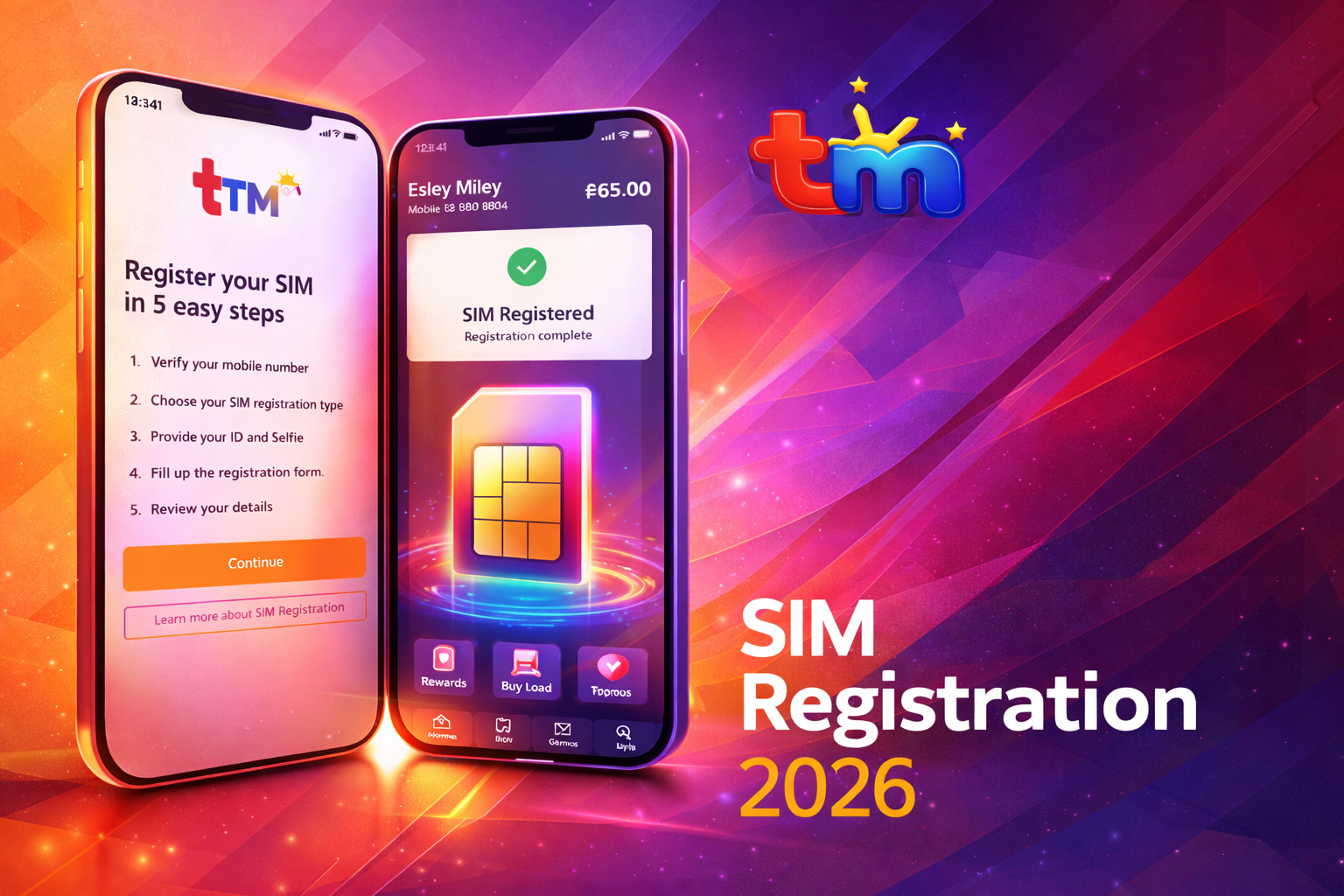
TM (Touch Mobile) is a prepaid cellular network owned by Globe Telecom in the Philippines. Under the SIM Registration Act (Republic Act 11934), every TM SIM card must be registered using valid personal information and identification. The law was implemented to reduce scams, spam messages, and fraudulent mobile activities, which is why all users must register TM SIM card as soon as they activate their number.
If you do not complete your TM SIM registration, your SIM will be permanently deactivated. After deactivation, you cannot call, send SMS, use mobile data, receive OTP codes, or access GCash and other apps connected to your number.
This updated 2026 guide explains requirements, the online registration process, how to check your TM SIM registration number, and how to solve common errors.
What is TM SIM Registration?
TM SIM registration is the official process of linking your SIM card to your real identity in the telecom database. When you register, Globe records your:
- Full name
- Birthdate
- Address
- Valid government ID
- Selfie verification
- Active TM SIM registration number
This helps authorities trace illegal activities such as phishing, fake texts, and online scams.
Who Needs to Register?
You must register if you are:
- A new TM SIM buyer
- An existing TM user who has not registered yet
- A minor (through a parent/guardian)
- A foreigner using a Philippine SIM
- A pocket WiFi or broadband SIM owner
Requirements for TM SIM Registration 2026
Personal Information
You will need:
- Complete name
- Date of birth
- Gender
- Address
- Nationality
- Active TM SIM registration number
Valid Government IDs (Any One)
Accepted IDs include:
- Philippine National ID (PhilSys)
- Passport
- Driver’s License
- UMID
- SSS ID
- PRC ID
- Voter’s ID
- Senior Citizen ID
- School ID (for students)
Selfie Photo
You must upload a clear selfie holding your ID for verification.
TM SIM Registration Link (Official Website)
You can only register online through Globe’s official portal:
https://new.globe.com.ph/simreg
Always use the official site. Do not register through Facebook links or random SMS links to avoid scams.
Step-by-Step TM SIM Registration Process
- Insert your TM SIM into your phone.
- Turn ON mobile data or WiFi.
- Open the registration website.
- Enter your mobile number (TM SIM registration number).
- Click Register.
- You will receive an OTP code via SMS.
- Enter the OTP to verify your number.
- Fill out the personal information form.
- Upload your valid ID photo.
- Take and upload a selfie.
- Review details and submit.
After successful submission, you will see a Reference Number. Save or screenshot this number because it is proof your SIM is registered. You will also receive a confirmation text message.
How to Check if TM SIM is Registered
SMS Confirmation
After successful registration, Globe sends a message confirming your TM SIM registration.
Using Services
If your SIM can make calls, send texts, use mobile data, and receive OTP codes, then your TM SIM registration number is already active in the system.
Registration for Minors
If the SIM belongs to a minor (under 18), it must be registered under a parent or legal guardian. The guardian’s ID will be used and the guardian becomes legally responsible for the SIM.
Registration for Foreigners
Foreign users must provide:
- Passport
- Proof of address in the Philippines
- Return ticket or visa (depending on stay type)
Tourist SIM validity is usually limited unless extended.
Common TM SIM Registration Problems & Fixes
OTP Not Received
- Restart your phone
- Check signal bars
- Wait 1–2 minutes
- Request OTP again
- Turn airplane mode ON and OFF
Photo Upload Failed
- Use good lighting
- Avoid blurry images
- Reduce file size
- Remove camera filters
Invalid ID Error
- Ensure details match exactly
- Avoid cropped ID images
- Use a clear high-resolution photo
Already Registered Error
This means your TM SIM registration number already exists in the database. You do not need to register again.
What Happens If You Don’t Register?
Your SIM will be permanently deactivated. You will not be able to call, send messages, use mobile internet, receive verification codes, or access apps like GCash. After deactivation, the number may be reassigned to another user.
Important Tips
- Register immediately after buying a SIM
- Never share your OTP code
- Do not use fake information
- Keep your reference number safe
- Register only on the official Globe website
Conclusion
TM SIM Registration 2026 is mandatory for all users in the Philippines. It protects users from fraud and ensures every TM SIM registration number is connected to a verified identity. The process is simple and takes only a few minutes if you have a valid ID and a clear selfie.
Completing the registration on time will keep your TM number active and allow uninterrupted calls, texts, mobile data, banking apps, and online verifications.